How to Upload 3-Minute Shorts on YouTube in 2024: A Step-by-Step Guide
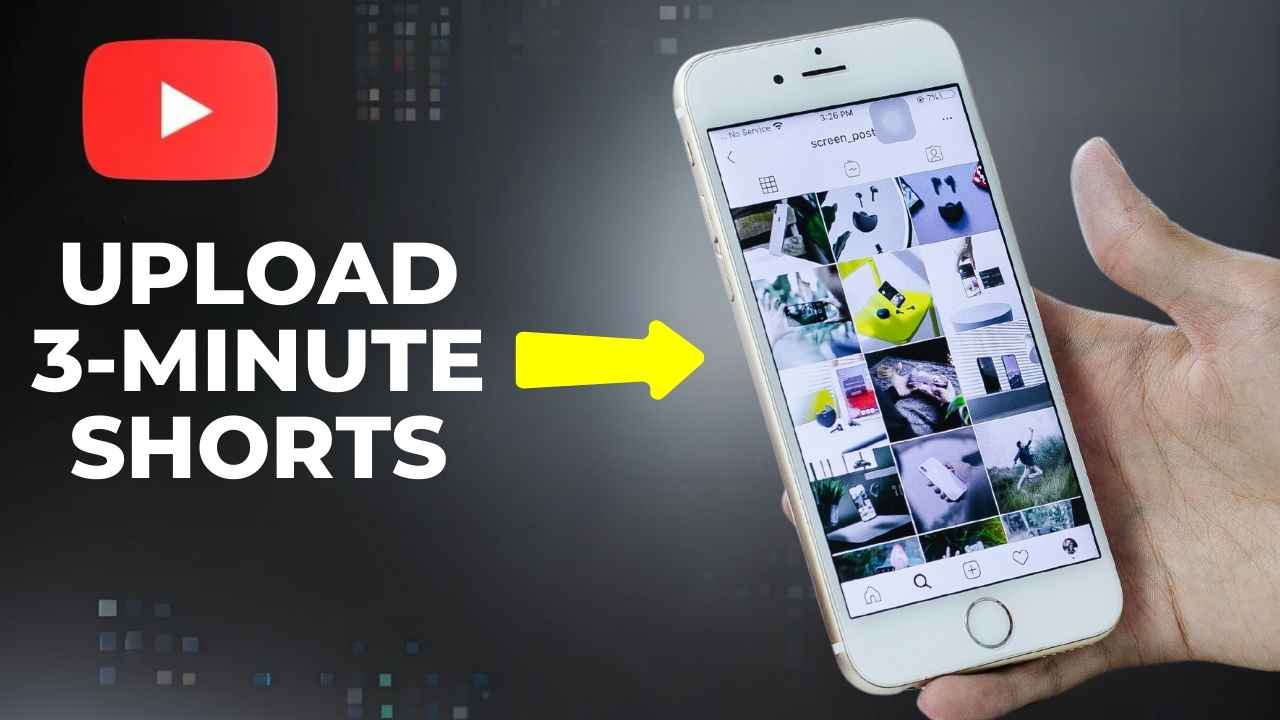
Don’t forget the Youtube Shorts Youtube shorts is a potent platform for creating, detailing, and sharing short-form content in 2024. Though Shorts are generally less than 60 seconds long, YouTube has given its format some wiggle room: YouTube allows users to upload up to 3-minute Shorts. This option provides creators with additional flexibility to engage their audience, all while remaining within the Shorts ecosystem. Here is the complete guide to upload a 3-minute-long Short on Youtube in 2024.
Why Upload Longer Shorts?
Longer Shorts enable creators to:
- Tell More Interesting Stories: With three minutes, you can tell a more in-depth story, do tutorials, cover complicated subject matter.
- Improve Viewer Retention: The extra time gives the opportunity to build a hook and engage deeper.
- More opportunities for monetization: longer content often boosts ad placement and watch times.
Step 1: Create a 3-Minute Short
Before you upload your video, make sure it meets the requirements of YouTube Shorts:
- Aspect Ratio: 9:16 vertical Ratio (1080 x 1920 pixels)
- Duration: Your video can be 3 minutes long but you have to provide value in a short time.
- Content Quality: Quality photos are a must, as well as interesting ones.
Step 2: Prepare Your Video for Upload
Edit Your Short
Use video editing tools like:
- CapCut (for quick edits on mobile).
- Adobe Premiere Pro (for professional editing)
- In Shot (mobile-friendly & excellent effects).
Make sure to add:
- Caption the captions: They help with accessibility and engagement.
- Music: Use tracks from YouTube’s audio library or trending sounds.
- Transitions and Effects: To retain your audience.
Optimize File Format
You will want to save your file in the MP4 format for the best compatibility. Use proper bitrate in order not to lose quality but keep your file size low.
Step 3: Upload Your 3-Minute Short
Here’s how to upload your video on both the YouTube app and YouTube Studio:
Via the YouTube Mobile App
- Step 1 — Open YouTube App (make sure you’re signed in to your account)
- Click the ‘+’ Icon: Choose Create a Short.
- Choose Your Video: If it’s already been edited, upload it to your device.
- Trim (If Needed): YouTube may ask you to make sure the video adheres to the Short format
Add Details:
- Title: Make sure it is catchy and relevant to your content.
- Add #Shorts and other trending hashtags
- Description: Keep it short but make sure you describe your video in an interesting way.
Publish: Press the upload button and be patient as YouTube processes your Short.
Via YouTube Studio on Desktop
- Visit YouTube Studio: studio. youtube. com.
- ‘Create’: Click Upload Videos.
- Drop Your File: Navigate to your 3-minute video.
- Set Audience: Indicate whether your content is made for kids or not
- Include Relevant Tags: Tag your video in the same way you tag it with #Shorts and other relevant keywords to category the video.
- Publish Thumbnail: At the same time, you can also add an eye-catching thumbnail to help draw attention on the Shorts shelf.
- Publishing: Publish now or set a future publish date.
Step 4: Promote Your 3-Minute Short
Reach — here’s how maximize it:
- Post your Short as even part of Social Media: Instagram, Twitter or TikTok.
- Use Comments: Respond to viewers and help start conversations.
- Start with Cooperation: Use their target group to expand your reach.
Step 5: Analyze Performance
Use YouTube Analytics to monitor your Short’s performance. Focus on:
- Retention Rates: Visualize where viewers leave.
- Engagement: Monitor the number of likes, comments, and shares.
- CTR (Click-Through Rate): Identify how well your thumbnail converts.
Final Thoughts
This 2024 opportunity allows low-end creators to post 3-minute Shorts on YouTube This allows the extended Shorts format to provide the most enjoyable experience possible for all users when consuming content on YouTube.
So, what are you waiting for? And start making that viral 3-minute Short for your channel now!